 SealedPocket
PRIVATE VAULT · IPHONE & IPAD
Your private photos, files and thoughts. Together.
Keep photos, videos, documents, voice recordings and notes in an encrypted vault on your device. No SealedPocket account. No automatic cloud sync.
No app accountOn-device storageOne-time VIP option
Store up to 75 media/file items at a time, including recordings. Successful deletion frees a slot. Diary text and inline photos are separate. See free & VIP
Open source · GPL-3.0 · View code ↗A look insidePhoto diary

ONE SPACE. FOUR EVERYDAY USES.
More than a place to hide photos.
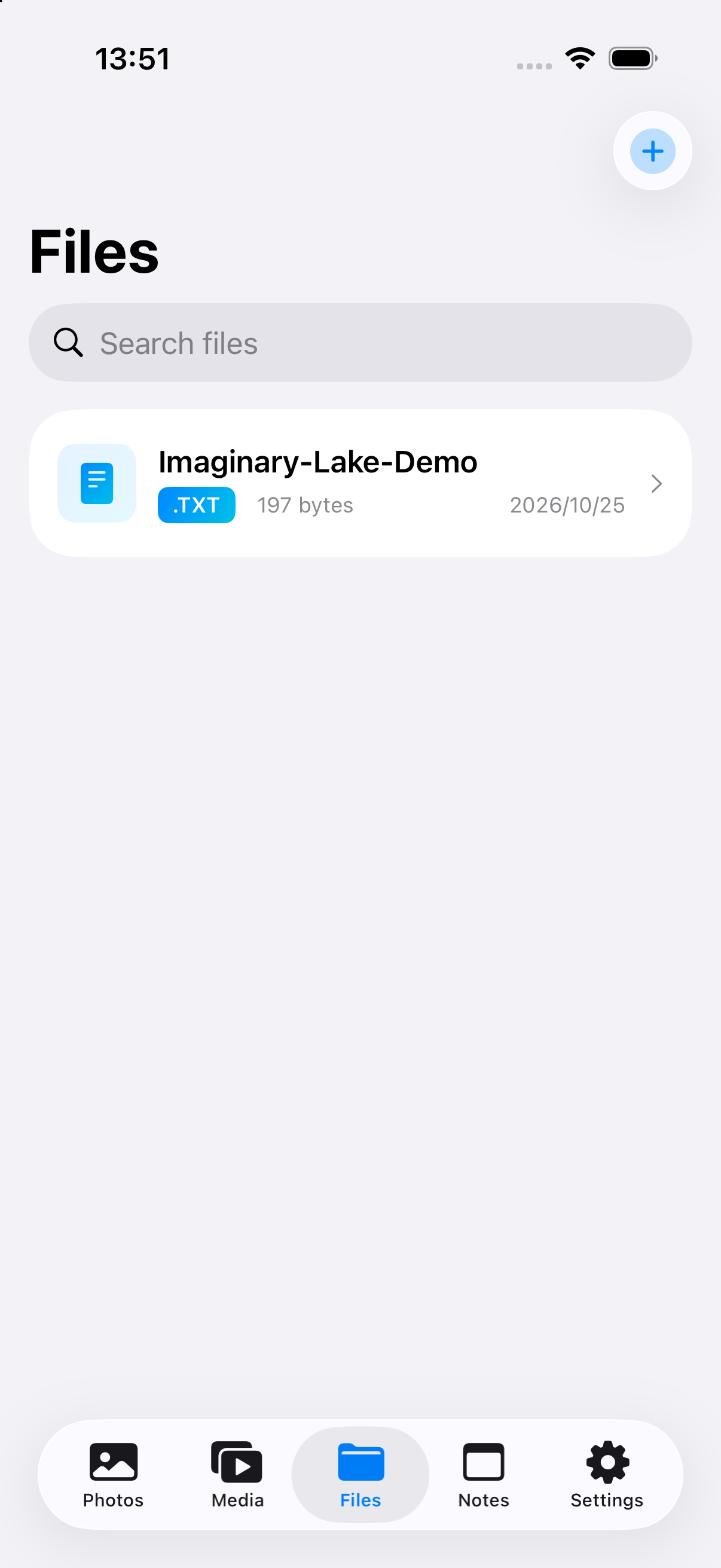
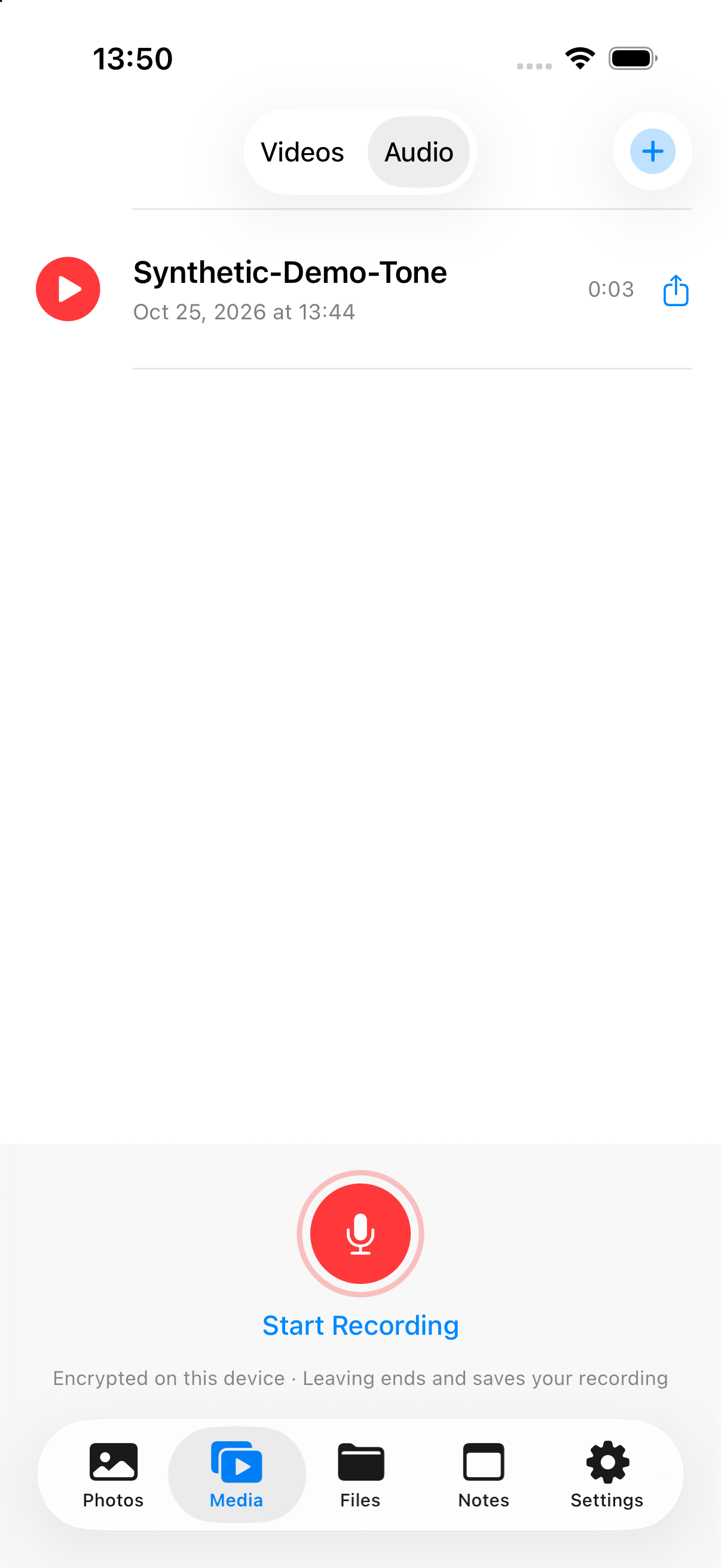
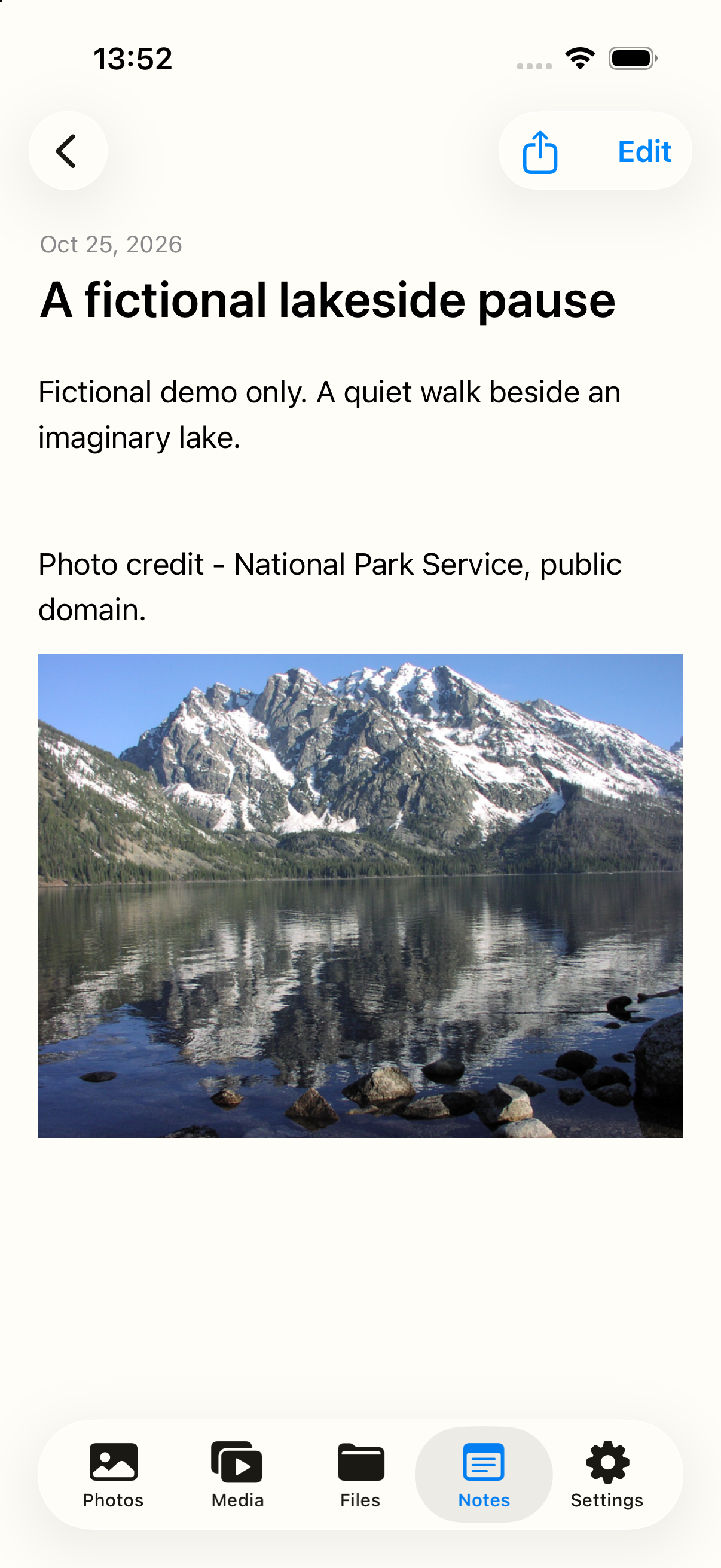
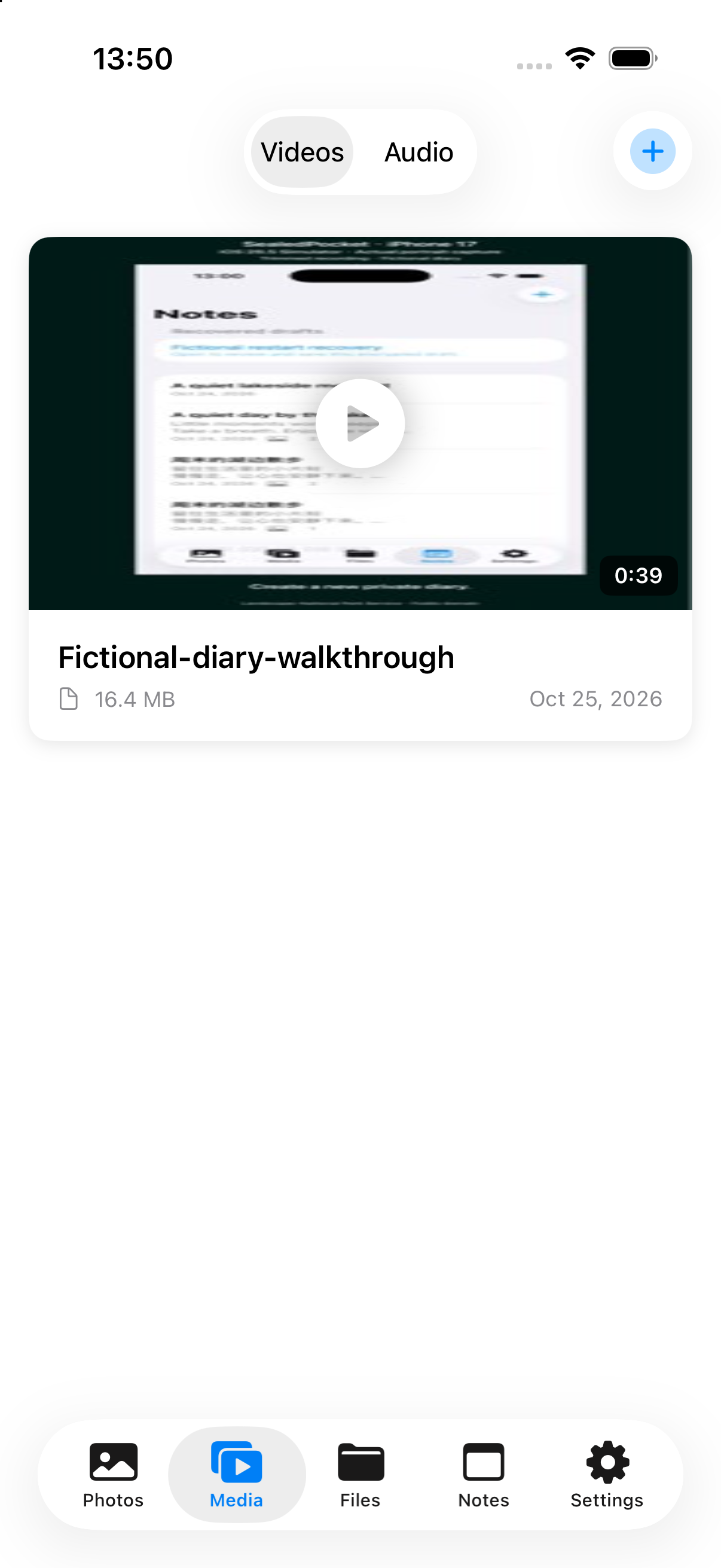
Actual SealedPocket 1.3.11 (25) screens captured in an iPhone 17 simulator. Fictional samples and a synthetic demo tone, not user data.
SEE IT, NOT JUST READ IT
From a photo to a private diary. In 18 seconds.
See rich-text editing and saving on an ordinary iPhone layout. This is the diary workflow, not a demonstration of every vault feature.
English UI · Edited iOS simulator recording by the developer. Example content. YouTube loads only after Play.
A SIMPLE ROUTINE
Import. Check. Lock.
Set a password you can keep safe. Import or create your content, check the saved copy, then lock the vault. Imported originals remain in Photos or Files until you manage them separately.
CLEAR BEFORE YOU DOWNLOAD
Start free. Upgrade only if it fits.
Your first private collection
Free: up to 75 media/file items currently stored, including imported audio and saved recordings. Successfully deleting a counted vault item frees a slot; this is not a lifetime import counter. Diary text and inline photos do not use those slots. Each diary entry allows up to 20 inline photos totaling at most 32 MiB after JPEG processing. Device storage still applies.
More room. More export options.
Remove the import cap. Unlock audio sharing/export, diary PDF export and alternate icons. One optional purchase, not a recurring subscription. Device storage is still finite.
Check your regional App Store and in-app price ↗THE RIGHT TOOL FOR YOUR NEED
A separate space, not another cloud service.
If Apple's Photos, Files and locked notes already meet your needs, you may not need another app. Choose SealedPocket when you want several kinds of personal content together behind a separate vault password.
It does not lock other apps or replace a backup. Keep a separate, verified copy of irreplaceable content before changing phones or deleting the app. Restoring a purchase does not restore your files.
CHECK THE CLAIMS
Useful privacy. Verifiable details.
Open source · GPL-3.0
Open-source code for 1.3.11 (25) is available under GPL-3.0, including rich text, inline photos and VIP PDF export. Not an independent audit or proof of App Store binary reproducibility.
View fixed source commit ↗Build notes & limits ↗Privacy boundaries
On-device content, no automatic cloud sync. Apple purchase/restore and chosen cloud destinations can use the network.
Read the privacy policy ↗Product facts
Features, limits and supported languages in readable, linkable form.
Product details →Current availability
1.3.11 verified in US and Taiwan on October 24, 2026. Check your regional listing. Formerly ZeroNet Space; the same app ID.
App Store ↗BEFORE YOU DOWNLOAD
A little clarity goes a long way.
Is SealedPocket the same app as ZeroNet Space?
SealedPocket, formerly ZeroNet Space. The name changed, not the app. Version 1.3.11 was verified in the US and Taiwan on October 24, 2026. App ID 6755504480 is unchanged. Availability in other storefronts may differ.
Can I use it without a cloud account?
Yes. Personal content is stored on-device without automatic cloud upload or sync. Apple purchases and restoration require a network connection. Cloud import or export destinations may use their own network services.
What if I lose my phone or forget my password?
Do not rely on remote password or file recovery. Keep your password safe and make a separate, verified copy of important files before changing devices or deleting the app.
Does it lock other apps or erase original copies?
No system-wide app lock or iOS guest account is provided. Importing does not prove copies in Photos, Files, Recently Deleted or cloud storage are gone. Exported copies leave the vault’s protection.
All product facts, supported languages and limits →
What can I keep in SealedPocket?
Keep photos, videos, files, private notes and recordings in one local encrypted vault. Imported content uses AES-256-GCM encryption. The app requires iOS or iPadOS 17.6 or later.
How much is free, and do I need a subscription?
Free: up to 75 media/file items currently stored, including imported audio and saved recordings. Successfully deleting a counted vault item frees a slot; this is not a lifetime import counter. Diary text and inline photos do not use those slots. Each diary entry allows up to 20 inline photos totaling at most 32 MiB after JPEG processing. Device storage still applies. Optional one-time VIP removes the media/file import count cap and enables audio sharing/export, diary PDF export and alternate icons. No recurring subscription; regional prices and device storage limits apply.
SEALEDPOCKET
Keep what is personal, personal.
Try the free vault ↗iOS / iPadOS 17.6+ · Optional one-time VIP · Regional availability varies
Share one photo diary entry as a PDF, without sharing your whole diary
A practical way to turn one selected photo diary entry into a readable PDF on iPhone or iPad, with an explicit privacy check before sending.